Your notes are just files.
Fast, file-based notes for people who want to own their words. Plain text, Markdown, and code — saved as real files on your device. No accounts. No lock-in.
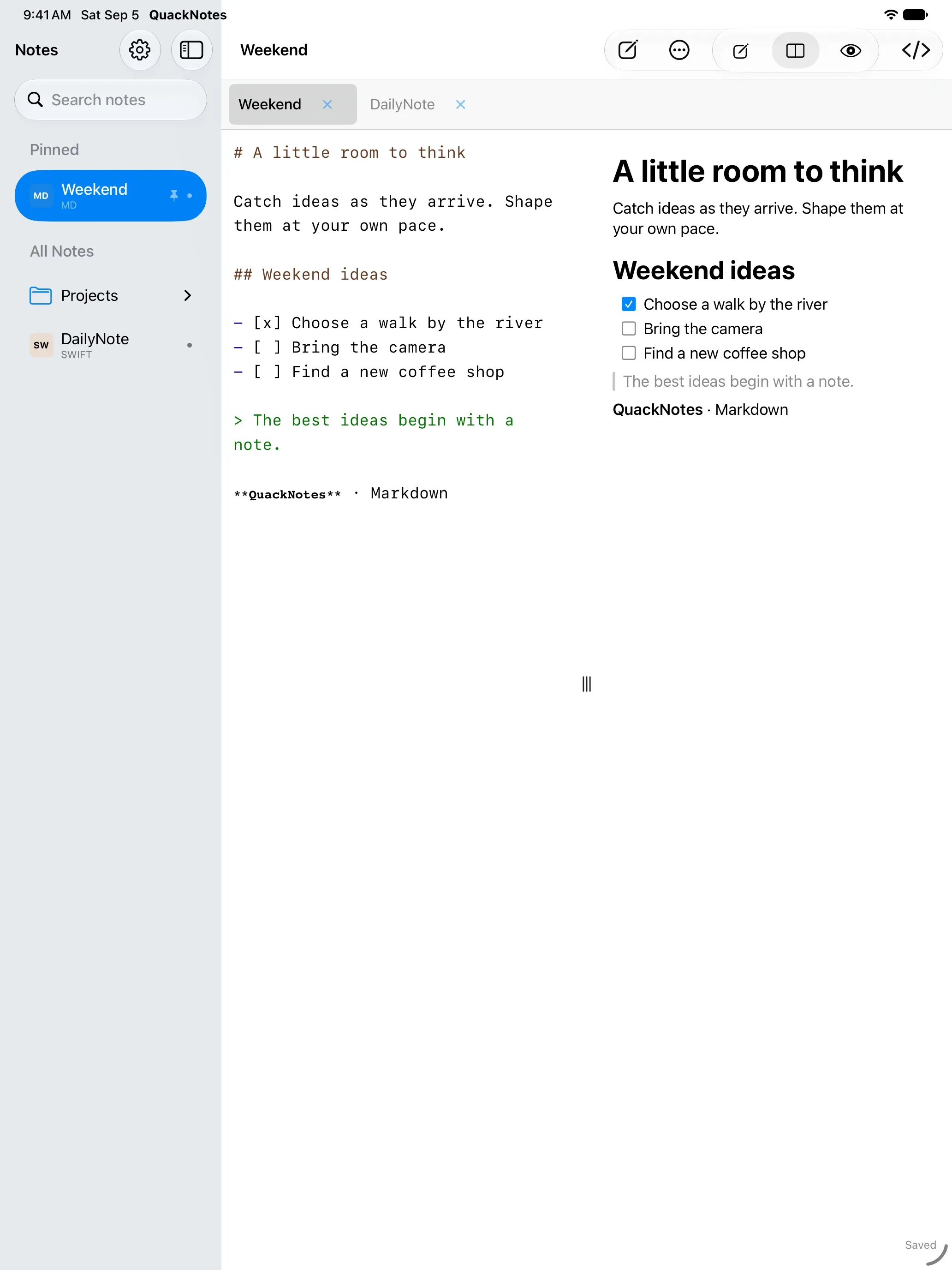
One codebase, native everywhere — Mac, iPhone, iPad, and Android.
- No accounts
- No tracking
- Your files
Small app. Mighty quack.
Your notes, your files
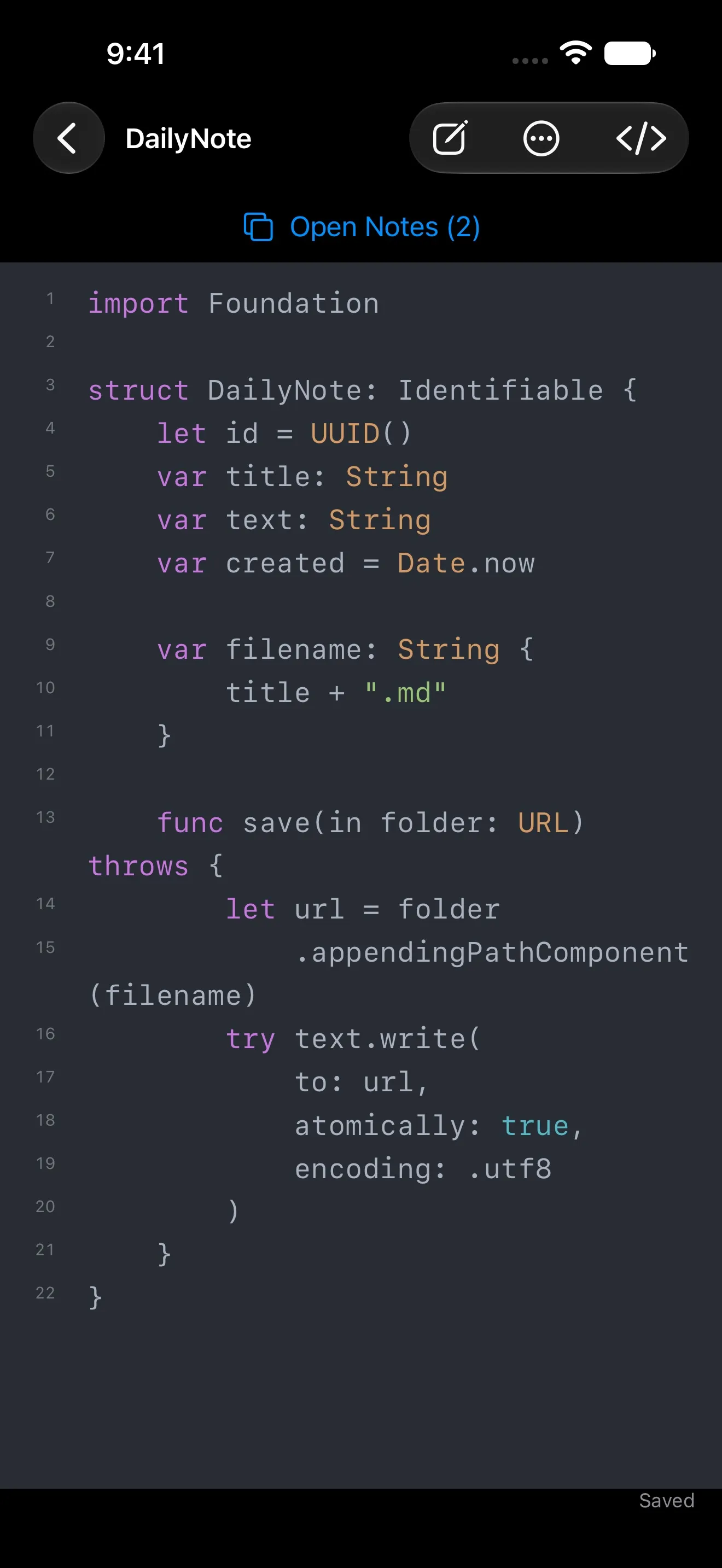
Every note is a plain text file in a folder you choose — .txt, .md, Swift, JSON, whatever you work with. No database, no account, no save button: autosave writes as you type.
Markdown, your way
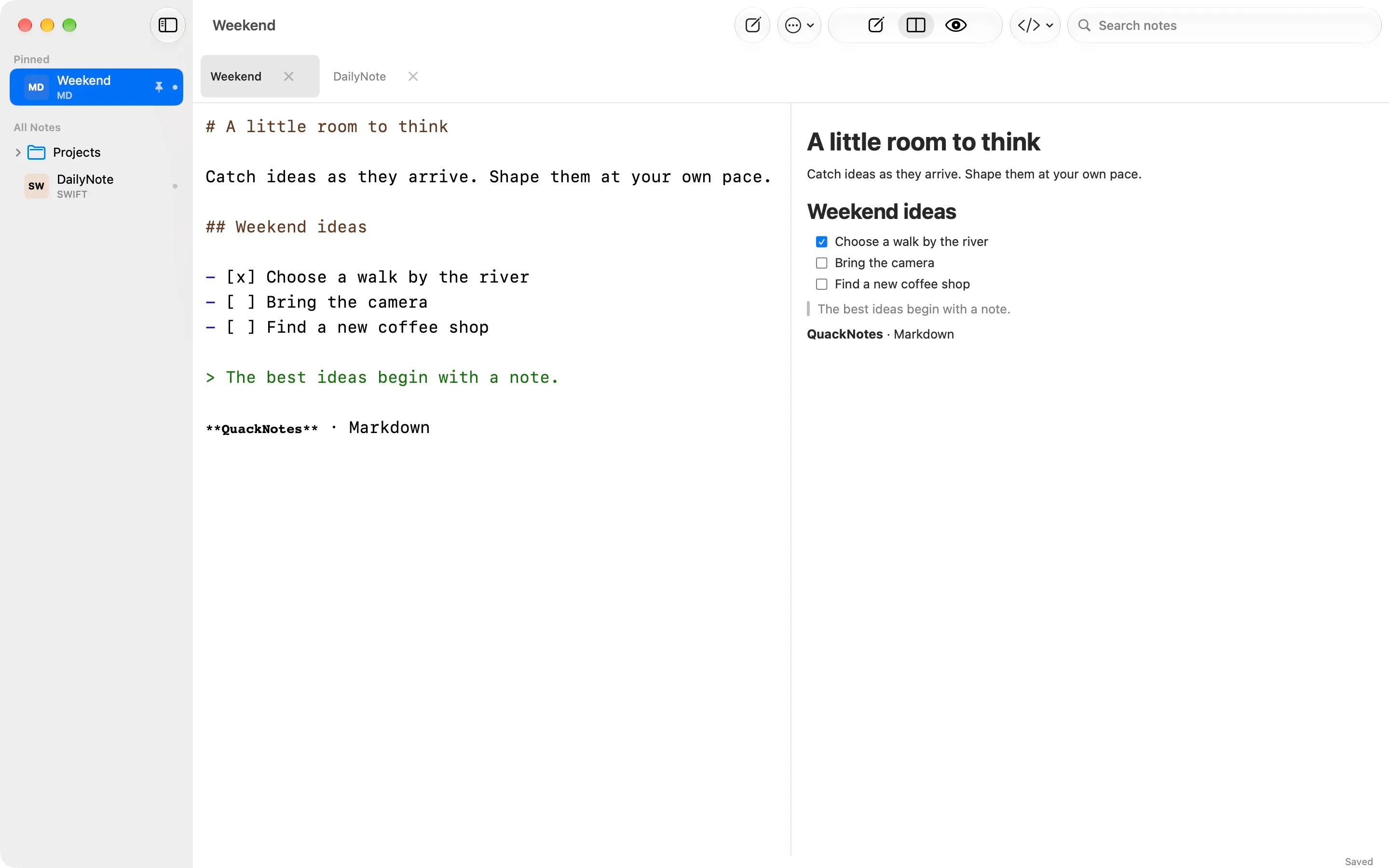
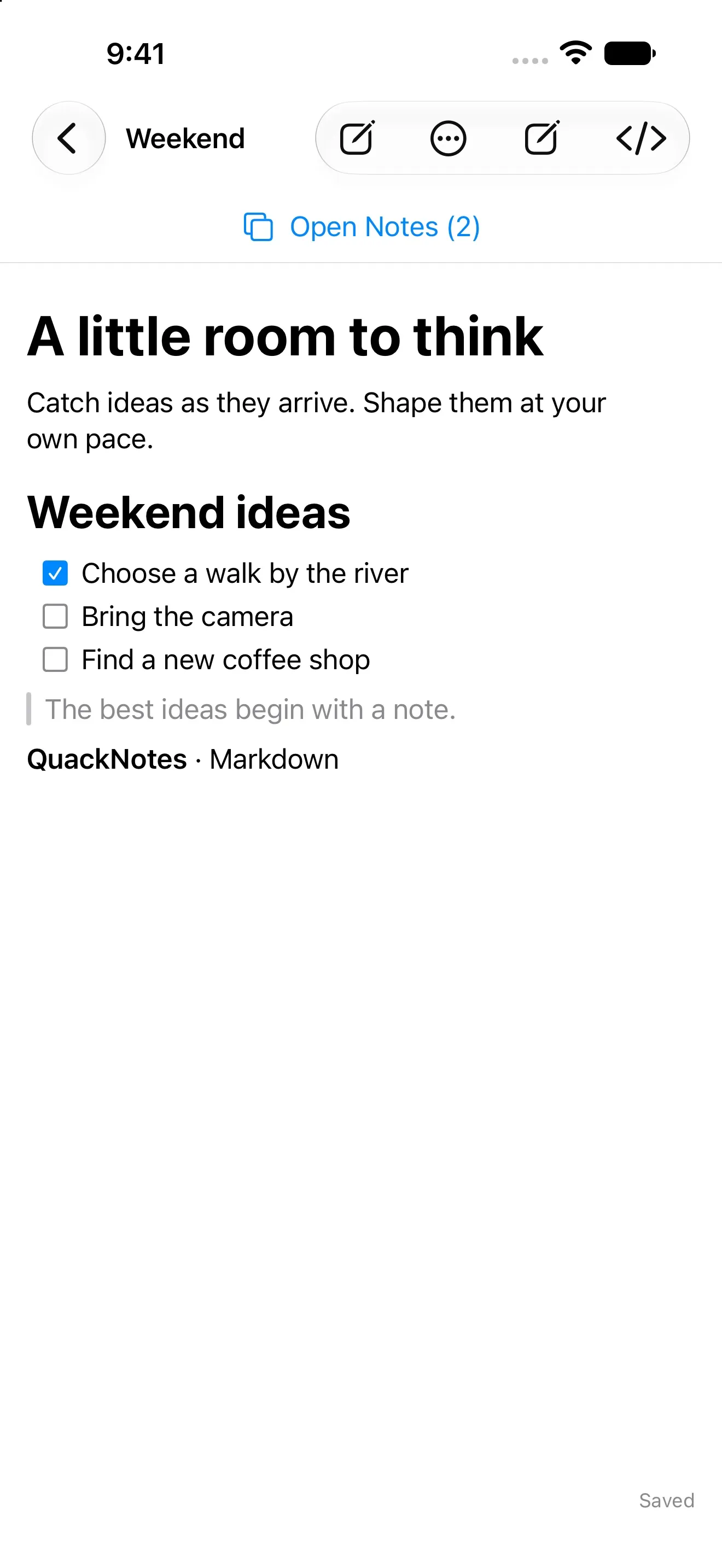
Write in the editor, read in the rendered preview, or do both side by side with live rendering.
Built for code too
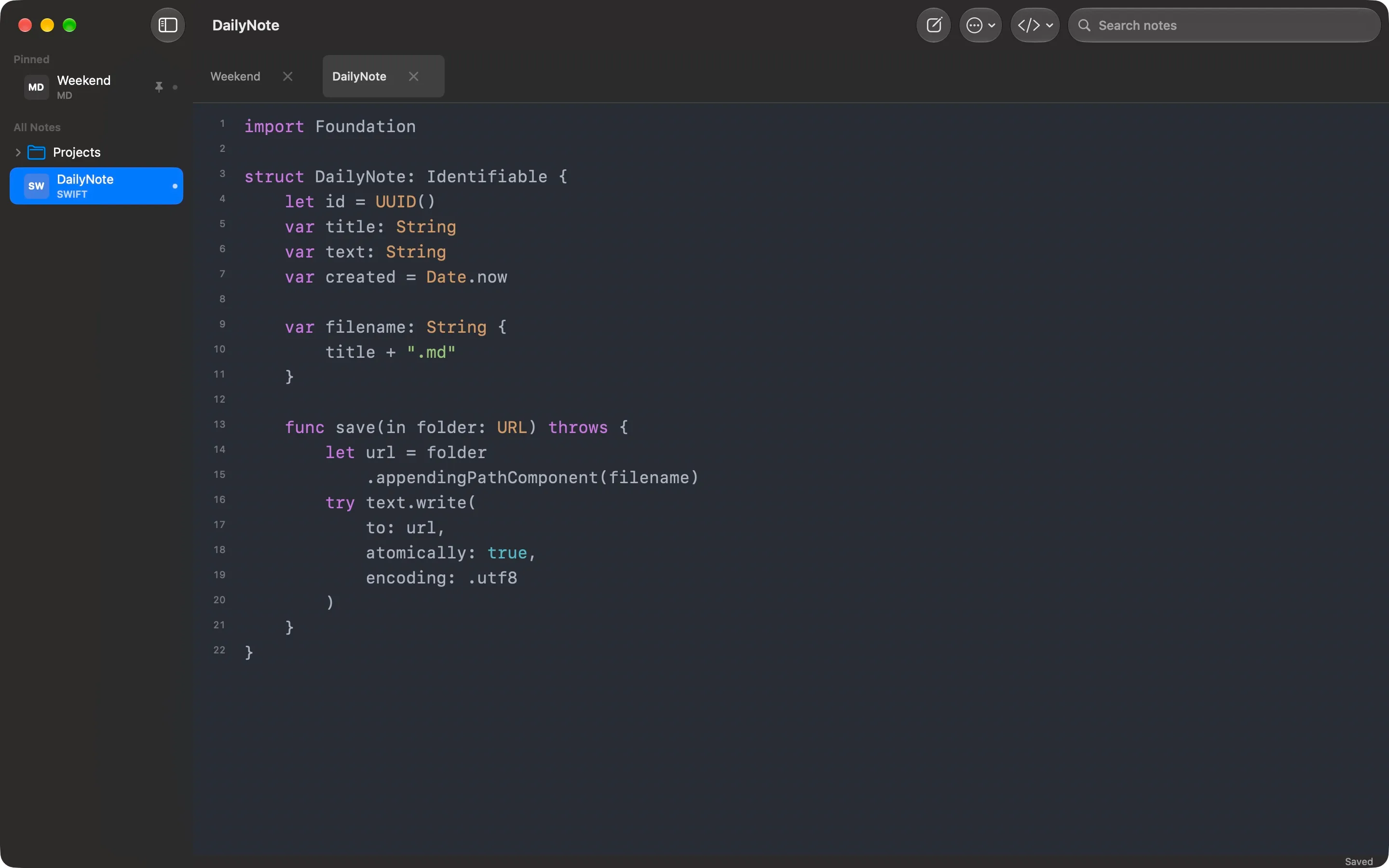
Syntax highlighting for 20+ languages, inferred from the file extension, and 90+ themes with separate light and dark choices that follow the system.
Organized, not organized-at-you
Folders are real directories you can drag notes between. Pin favorites, search titles and content, give folders custom icons, and keep browser-style tabs that restore on launch.
Made for meetings
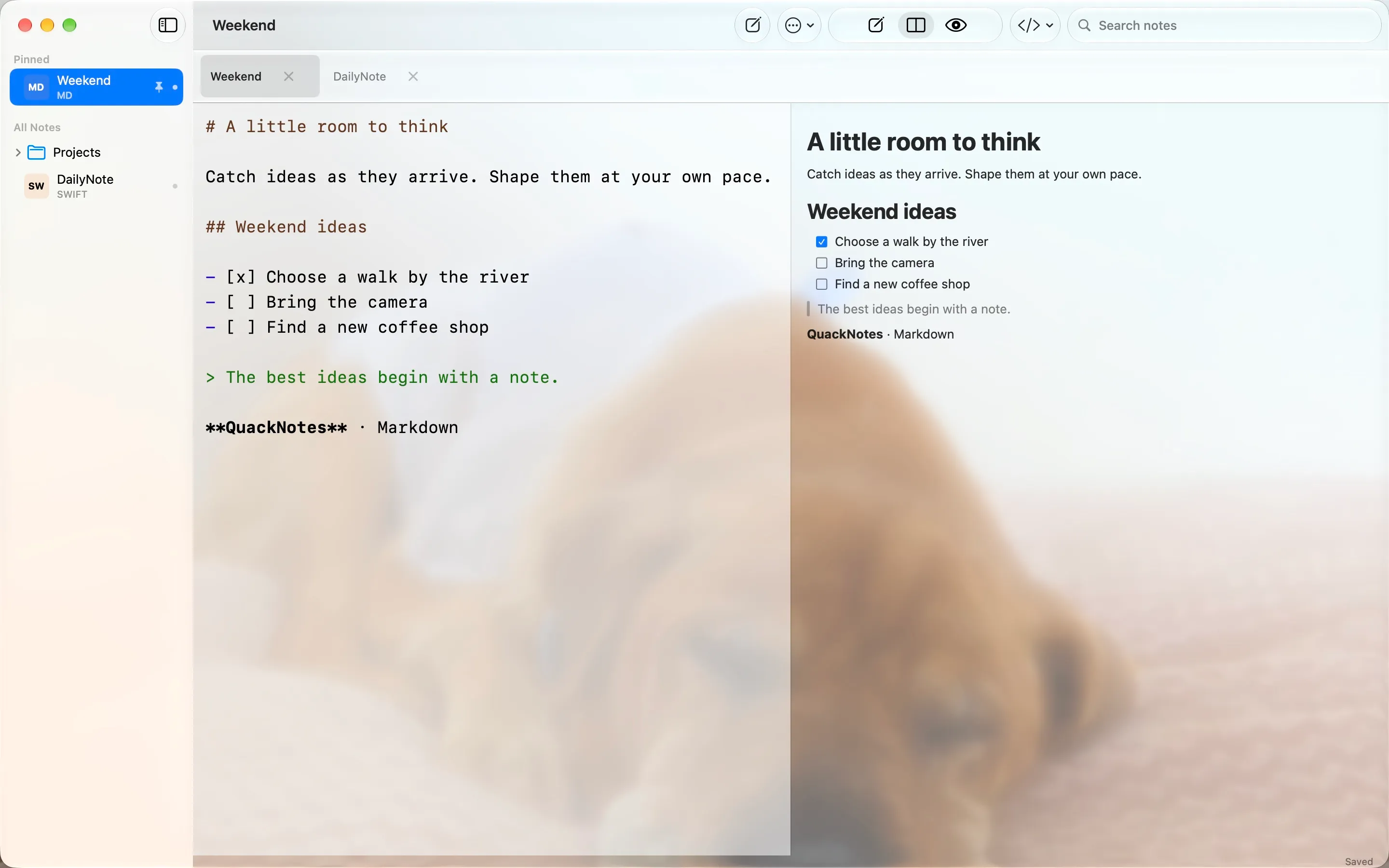
On Mac, make the window translucent and keep it on top while you take notes over a call — full opacity while you type — and summon QuackNotes from any app with Ctrl+Option+Q.
Make it yours
Any installed font, adjustable size and line spacing, and keyboard shortcuts for everything important.
Native on every screen.